 Procreate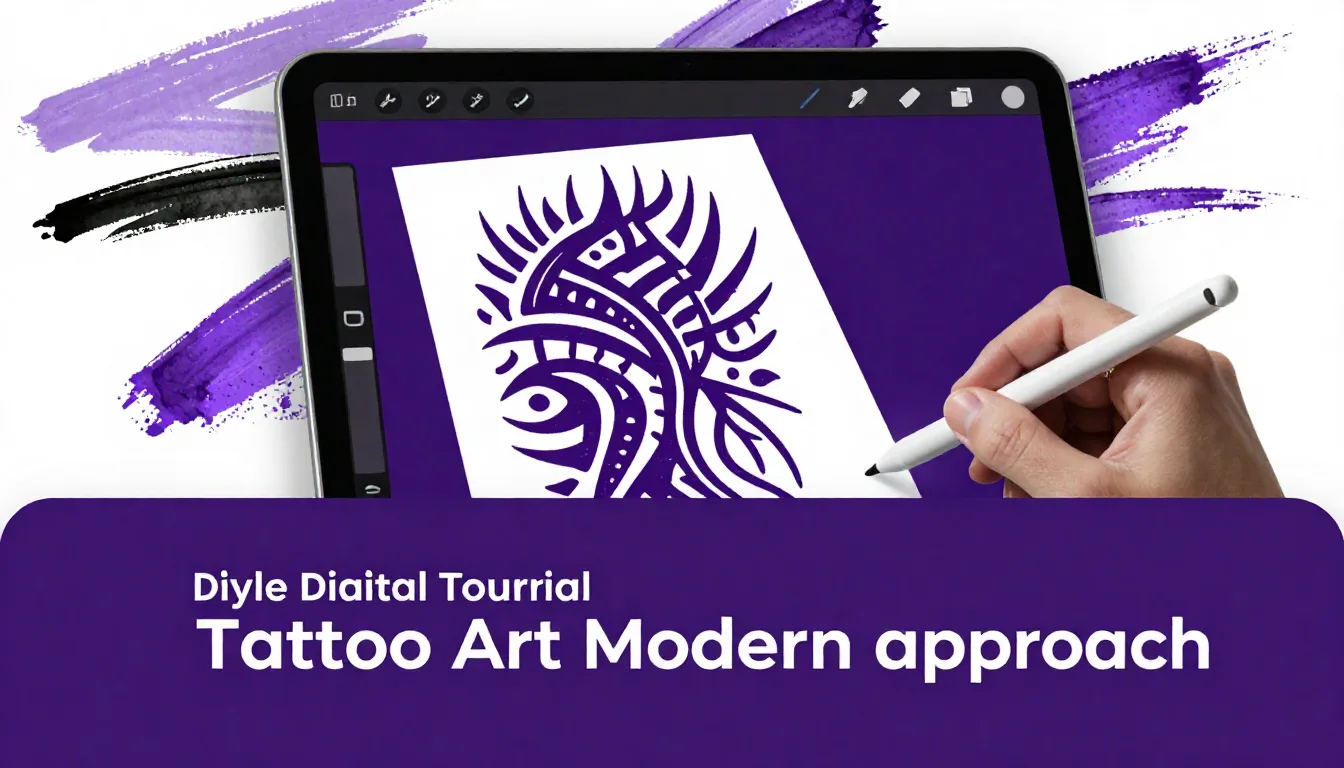
Tribal tattoo art has evolved far beyond the bold, flat black shapes of the 90s. Today’s digital artists are reinventing this ancient style with intricate linework, dynamic shading, and a fusion of traditional motifs with contemporary aesthetics. Whether you are designing for a client or building your flash portfolio, mastering modern tribal art in Procreate opens up a world of creative possibilities.
Creating striking tribal tattoo designs requires more than just drawing heavy black lines. It demands an understanding of flow, body placement, and contrast. In this guide, we will explore how to use Procreate to craft stunning, modern tribal pieces that translate perfectly from the iPad to the skin.
Understanding Modern Tribal Aesthetics
Modern tribal, often referred to as neo-tribal or cyber-sigilism, blends the aggressive, sharp geometry of traditional tribal art with fine-line techniques, organic curves, and sometimes even futuristic or biomechanical elements. The key difference lies in the balance of negative space and the variation in line weight.
The Importance of Flow and Anatomy
Unlike flat illustrations, tattoo designs must interact with the human body. When designing tribal art in Procreate, always consider the musculature and curves of the placement area. Modern tribal designs often wrap around limbs or follow the natural lines of the torso, creating a dynamic, kinetic feel. A great practice is to import a photograph of the body part you are designing for on a base layer, drop the opacity, and draw directly over it to ensure your design complements the natural anatomy.
Setting Up Your Procreate Canvas for Tattoo Art
Precision is crucial in tattoo design, especially when creating stencils. Your canvas setup can make or break the final output.
Canvas Dimensions and DPI
Always start with a high-resolution canvas. A standard setup of 8x10 inches at 300 DPI ensures your linework remains crisp and clean when printed for stencil making. If you are working on a larger piece like a backpiece or full sleeve, increase the canvas size accordingly, but never drop below 300 DPI. Sharp, pixel-free lines are essential for a clear stencil transfer.
Choosing the Right Brushes
For modern tribal designs, you need brushes that offer precise control over line weight. The native Technical Pen or Studio Pen in Procreate are excellent starting points. However, to truly elevate your workflow, you might want to explore specialized tattoo brush sets. The ProcreateTools app offers an incredible selection of liner and shader brushes designed specifically for tattoo artists, helping you achieve that authentic ink look effortlessly.
Techniques for Drawing Modern Tribal Shapes
The hallmark of modern tribal art is the sharp, tapering points and the smooth, sweeping curves. Achieving these seamlessly on an iPad requires a few specific techniques.
Mastering the Taper
Those iconic sharp tips require confident strokes. Turn on StreamLine or Stabilization in your brush settings (found under the Stroke Path menu). This smooths out any natural hand tremors, allowing you to pull long, flawless curves. When finishing a stroke, gently lift your Apple Pencil to create a natural, sharp taper. If the point isn't sharp enough, use the Eraser tool—set to a hard edge brush—to carefully carve out the perfect tip.
Balancing Positive and Negative Space
Modern tribal relies heavily on the interplay between the black ink (positive space) and the skin (negative space). Avoid clustering too many heavy black shapes together, as this can look muddy over time as the tattoo ages. Instead, weave thin, delicate lines around the thicker, bolder elements to create a sense of depth and breathability within the design.
Pro Tips for Tribal Design
- Use the Symmetry Tool: For chest pieces or lower back designs, Procreate’s Drawing Guide with Symmetry enabled is invaluable for creating perfectly balanced, mirrored tribal patterns.
- Layer Your Work: Keep your sketch, final linework, and shading on separate layers. This makes it infinitely easier to make adjustments based on client feedback.
- Test the Silhouette: Zoom out frequently. A strong tribal design should have a recognizable and impactful silhouette even from a distance.
Shading and Texture in Neo-Tribal
While traditional tribal is usually solid black, modern interpretations often incorporate shading to add dimension or give the design a metallic, 3D appearance.
Whip Shading and Stippling
To add texture, consider incorporating whip shading or stippling techniques. You can achieve this digitally by using a soft airbrush or a dedicated stipple brush. Build the shading gradually from the edges of the solid black shapes fading into the negative space. This technique softens the aggressive edges of the tribal shapes and adds a contemporary twist to the classic style.
Adding White Highlights
If you are presenting the design as a digital art piece or planning a tattoo that utilizes white ink, adding subtle white highlights can make the tribal shapes pop. Create a new layer on top of your black linework, and use a fine brush to add sharp, minimal white accents along the edges of the curves to simulate a glossy or raised effect.
Preparing the Design for Stencil
Once your design is complete, it needs to be prepped for the stencil machine. Tattoo artists need clean, un-shaded line drawings to work from.
Duplicate your artwork and hide any shading layers. If your design consists of solid black shapes, you will need to create an outline version. You can do this by selecting the contents of your black layer, creating a new layer, and applying a thin stroke (using the selection tool and filling the boundary). Ensure the final image is high contrast—pure black lines on a pure white background—before exporting it as a JPEG or PDF.
Frequently Asked Questions
How do I get smoother lines for tribal tattoos in Procreate?
Increase the 'StreamLine' or 'Stabilization' settings in your brush properties. This will automatically smooth out your strokes, making it much easier to draw the long, sweeping curves essential for tribal art.
What is the difference between traditional and modern tribal tattoos?
Traditional tribal (like 90s style or specific Polynesian styles) often features thick, solid black, blocky shapes. Modern or neo-tribal incorporates thinner lines, sharper angles, intricate webbing, and sometimes shading, blending cyber-goth aesthetics with classic tribal elements.
Do I need special brushes for tattoo design in Procreate?
While you can use native brushes, specialized tattoo brushes mimic the exact feel of liners and mags used in real tattooing. This helps you create designs that are actually tattooable rather than just nice digital illustrations.
How can I make sure my tribal design fits the body?
Always design over a reference photo of the body part. Drop the opacity of the photo layer and draw your tribal shapes to follow the natural muscle lines and contours of the area.
Mastering modern tribal tattoo art requires a blend of artistic vision and technical precision. By leveraging Procreate’s powerful tools, you can push the boundaries of this classic style and create striking, contemporary designs. To speed up your workflow and get access to professional-grade tools, be sure to check out the ProcreateTools app, where you can find an array of free brushes, stamps, and resources tailored specifically for tattoo artists and digital illustrators.