 Procreate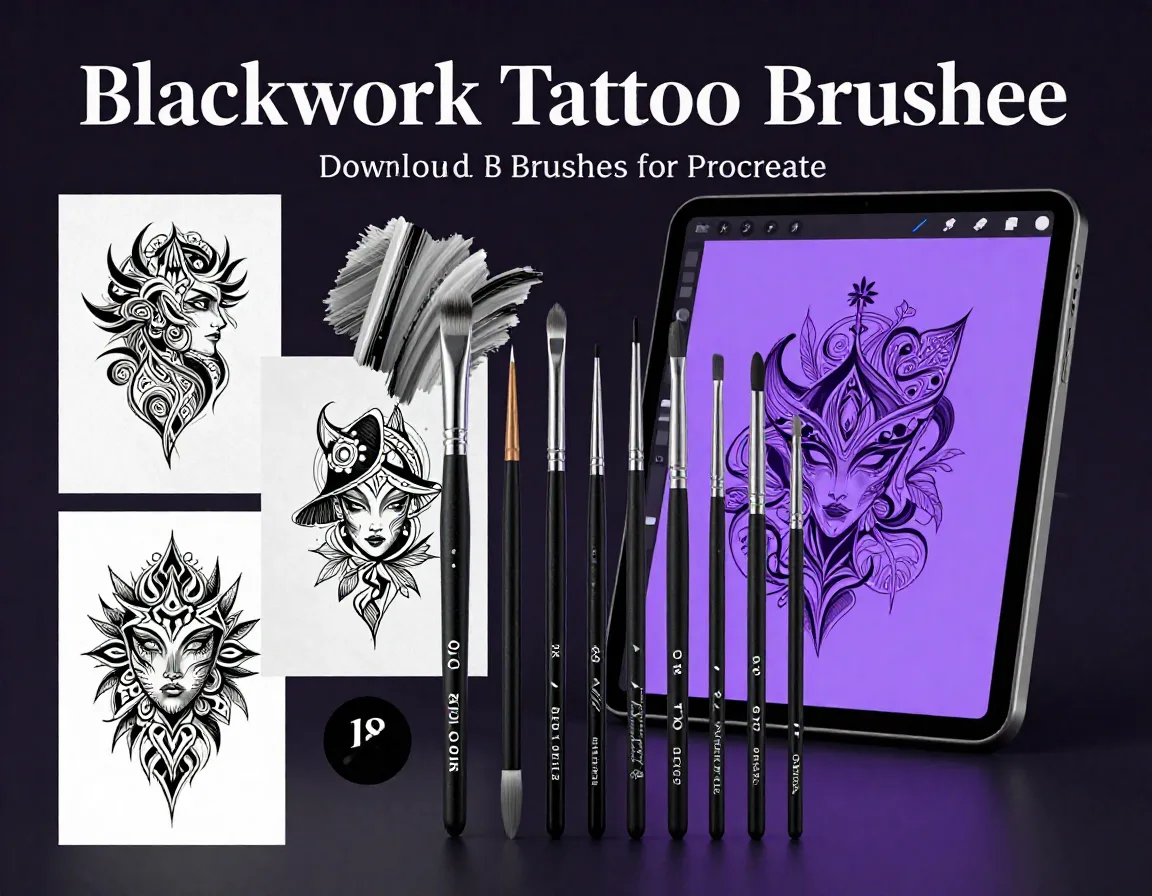
Blackwork Tattoo Brushes for Procreate
Create bold, striking tattoo designs instantly on your iPad with our Blackwork Tattoo Brushes for Procreate. This essential collection features 15 specialized brushes engineered specifically for heavy solid black fills and crisp, unforgiving linework. Whether you are drafting a massive back piece, designing traditional flash, or perfecting modern blackwork styles, these procreate tattoo brushes deliver the authentic ink-on-skin feel you need. Perfect for both professional tattoo artists mapping out their next masterpiece and digital illustrators exploring the dark arts of blackwork.
Download on App StoreWhat's Included
- 15 professional Blackwork Tattoo Brushes in .brushset format
- 15 custom-calibrated Procreate tattoo brushes
- Precision liners for crisp, bold outlines
- Heavy fill brushes for fast, solid black saturation
- Textured stipple and whip shading tools
- Tapered spit-shading style inkers
- Compatible with Procreate 5.3+ on iPad. Requires iOS 16 or later.
Perfect For
- Traditional and neo-traditional tattoo flash creation
- Heavy blackwork and blackout tattoo conceptualization
- Tribal and geometric pattern drafting
- Dark, bold digital illustration and comic inking
How to Use
- Download the .brushset file directly to your iPad.
- Locate the file in your Downloads folder or Files app.
- Tap the file to automatically import it into Procreate.
- Open the Brush Library in Procreate to find your new 'Blackwork Tattoo' set at the top.
Download Now
Get 15+ Blackwork Tattoo Brushes and 500+ more brushes. Install directly to Procreate.
Download on App StoreFrequently Asked Questions
Are these blackwork tattoo brushes actually free?
Yes! This set is designed as a premium-quality free tattoo brush procreate pack to help artists elevate their digital flash.
Do these brushes work with pressure sensitivity?
Absolutely. They are finely tuned to utilize the Apple Pencil's pressure and tilt sensitivity, giving you perfect control over line weight and ink flow.
Can I use these designs for actual tattoos?
Yes, these tools are perfect for drafting and presenting concepts to clients before creating the physical stencil for the actual tattoo.