 Procreate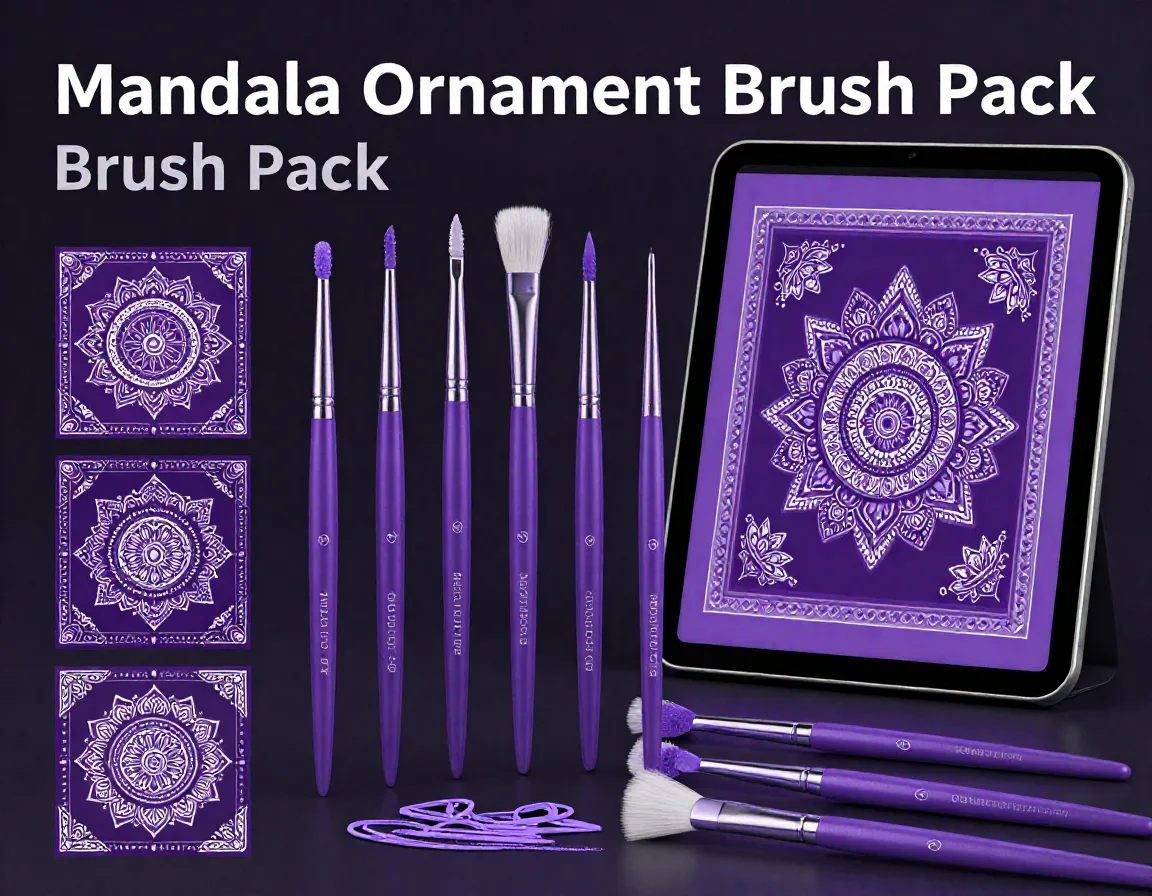
Mandala Ornament Brush Pack for Procreate
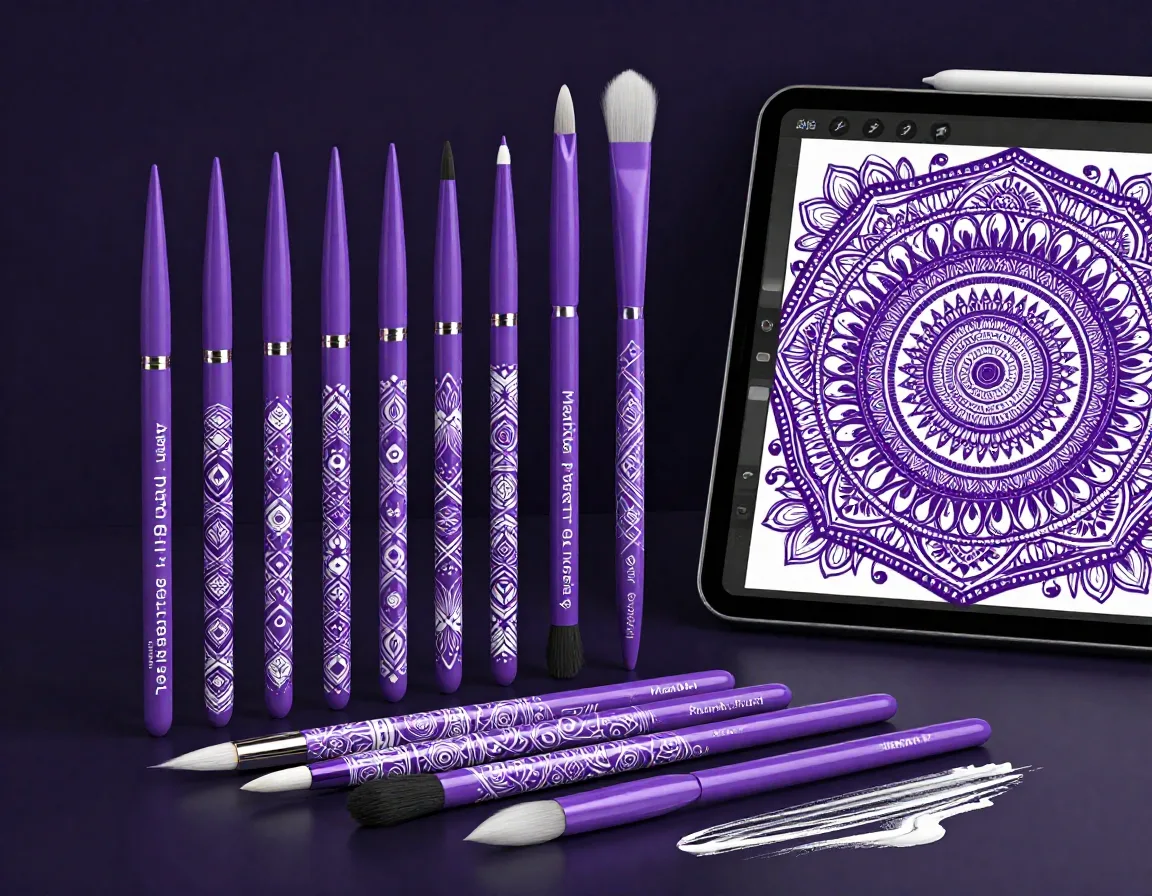
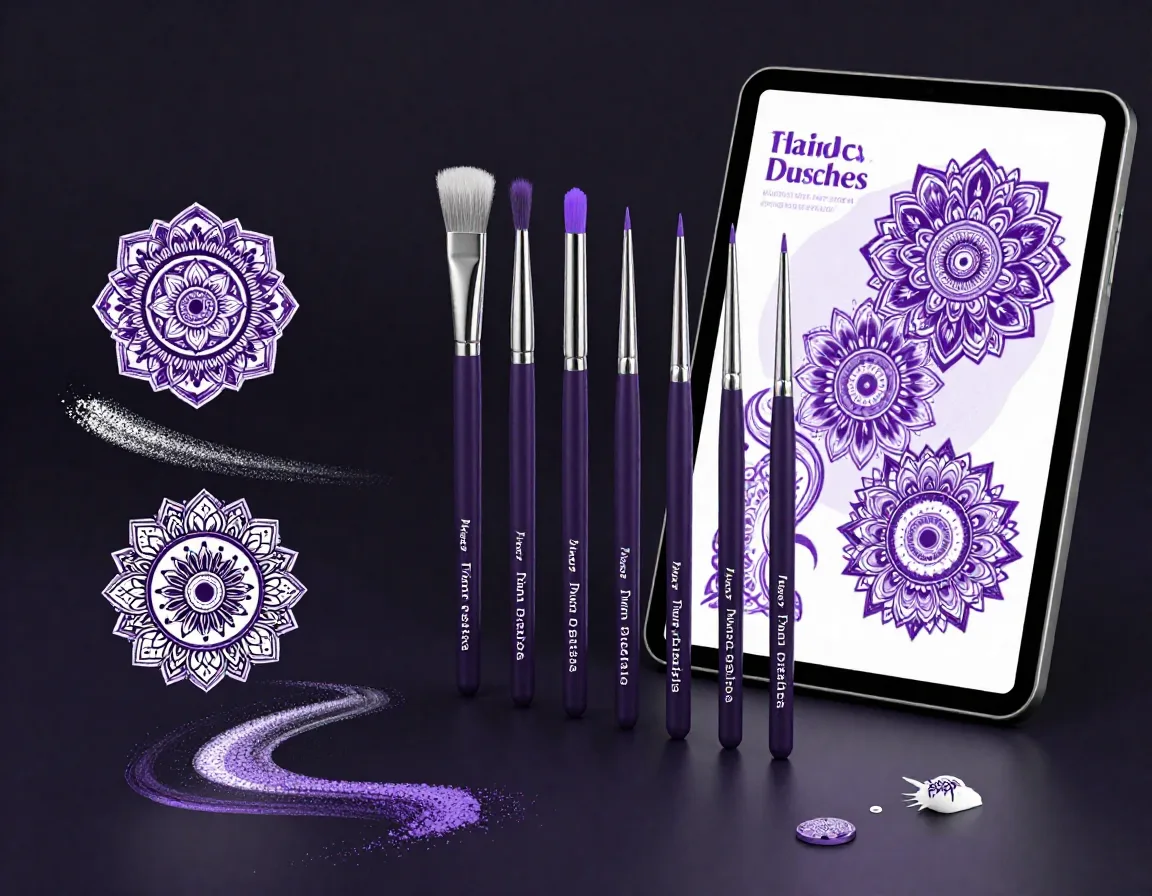
Elevate your digital canvas with the Mandala Ornament Brush Pack, a premium collection of 40 meticulously crafted brushes for Procreate. Designed specifically for tattoo artists and digital illustrators, this set provides an effortless way to integrate complex ornamental mandala elements into your work. From sweeping decorative borders to precise corner accents and intricate embellishments, these high-quality brushes will save you hours of manual drawing while ensuring flawless symmetry and style in every piece.
Download on App StoreWhat's Included
- 40 professional Mandala Ornament Brush Pack in .brushset format
- 40 high-resolution ornamental mandala brushes
- Intricate decorative border and framing brushes
- Symmetrical corner element stamps
- Detailed standalone mandala embellishments
- Installation guide for quick setup
- Compatible with Procreate 5.3+ on iPad. Requires iOS 16 or later.
Perfect For
- Tattoo stencil design and flash creation
- Detailed digital illustrations and artwork
- Creating symmetrical borders and frames
- Adding ornamental flair to typography and lettering
How to Use
- Download the .brushset file to your iPad.
- Open the Files app and tap the downloaded file to automatically import it into Procreate.
- Open Procreate, tap the Brush Library icon, and locate the new 'Mandala Ornament' folder.
- Select your desired brush, adjust the size and opacity, and begin stamping or drawing your ornamental designs.
Download Now
Get 40+ Mandala Ornament Brush Pack and 500+ more brushes. Install directly to Procreate.
Download on App StoreFrequently Asked Questions
Are these brushes pressure-sensitive?
Yes, many of the dynamic border brushes are configured to respond to Apple Pencil pressure, allowing for varied line weights, while the stamp brushes provide consistent, high-detail impressions.
Can I use these brushes for commercial tattoo designs?
Absolutely! Once purchased, you are free to use these brushes to design tattoos and artwork for your clients. However, reselling the brush files themselves is strictly prohibited.
Do I need the Apple Pencil to use this set?
While you can use your finger or a third-party stylus to stamp the designs, we highly recommend using an Apple Pencil to take full advantage of the pressure-sensitive border brushes.