 Procreate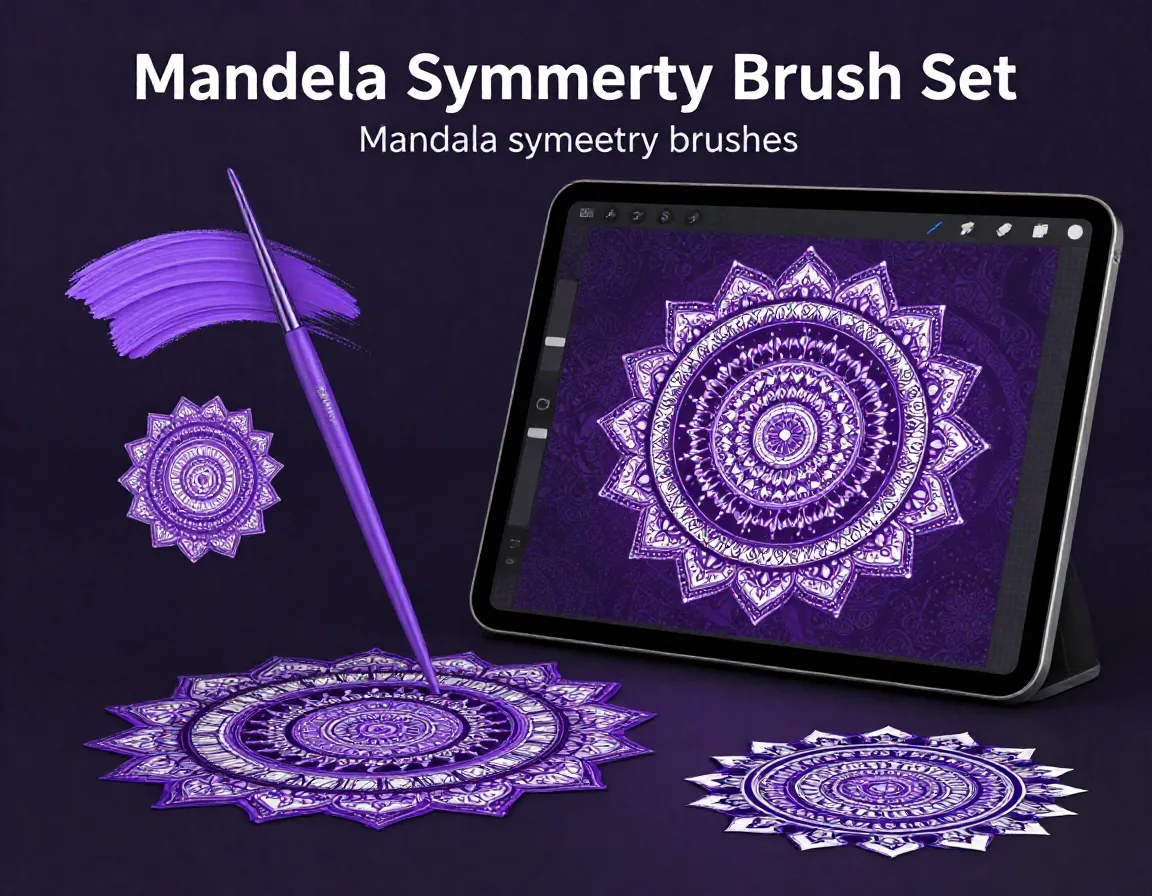
Mandala Symmetry Brush Set for Procreate
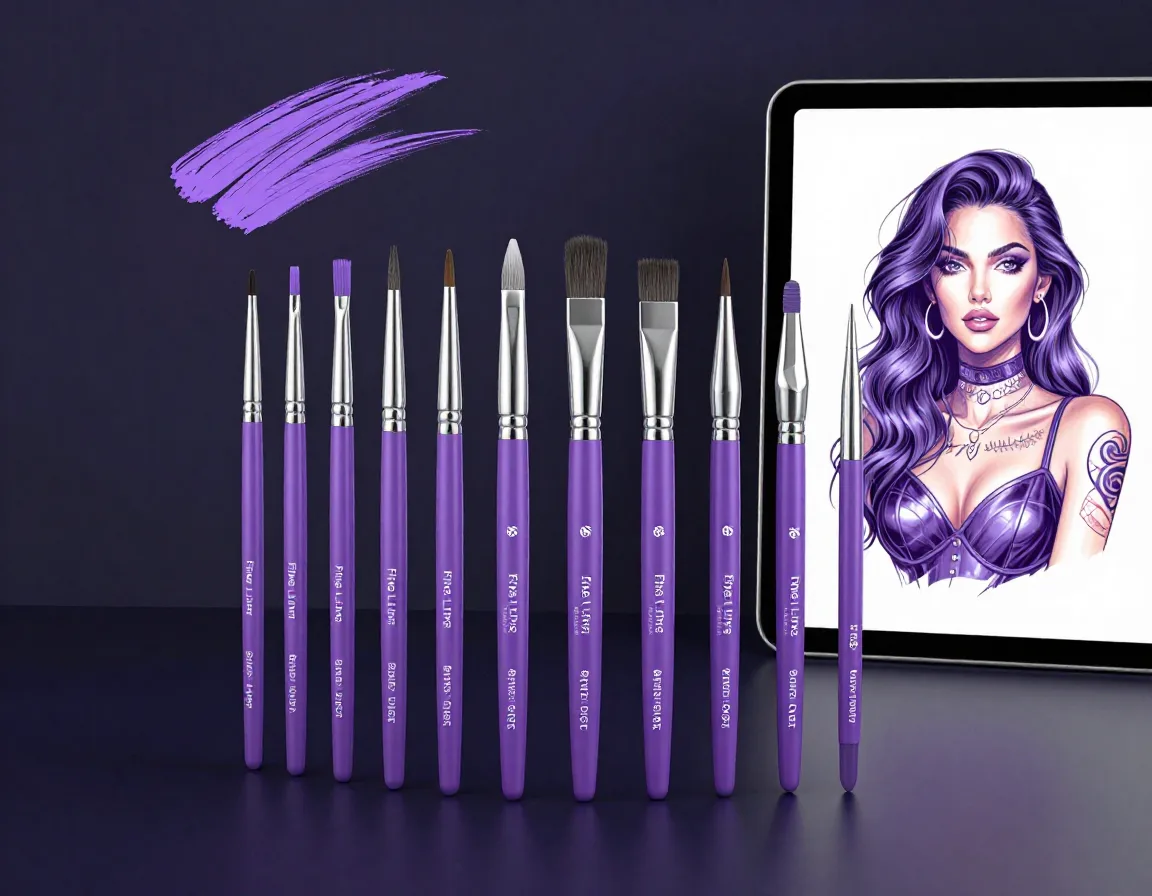
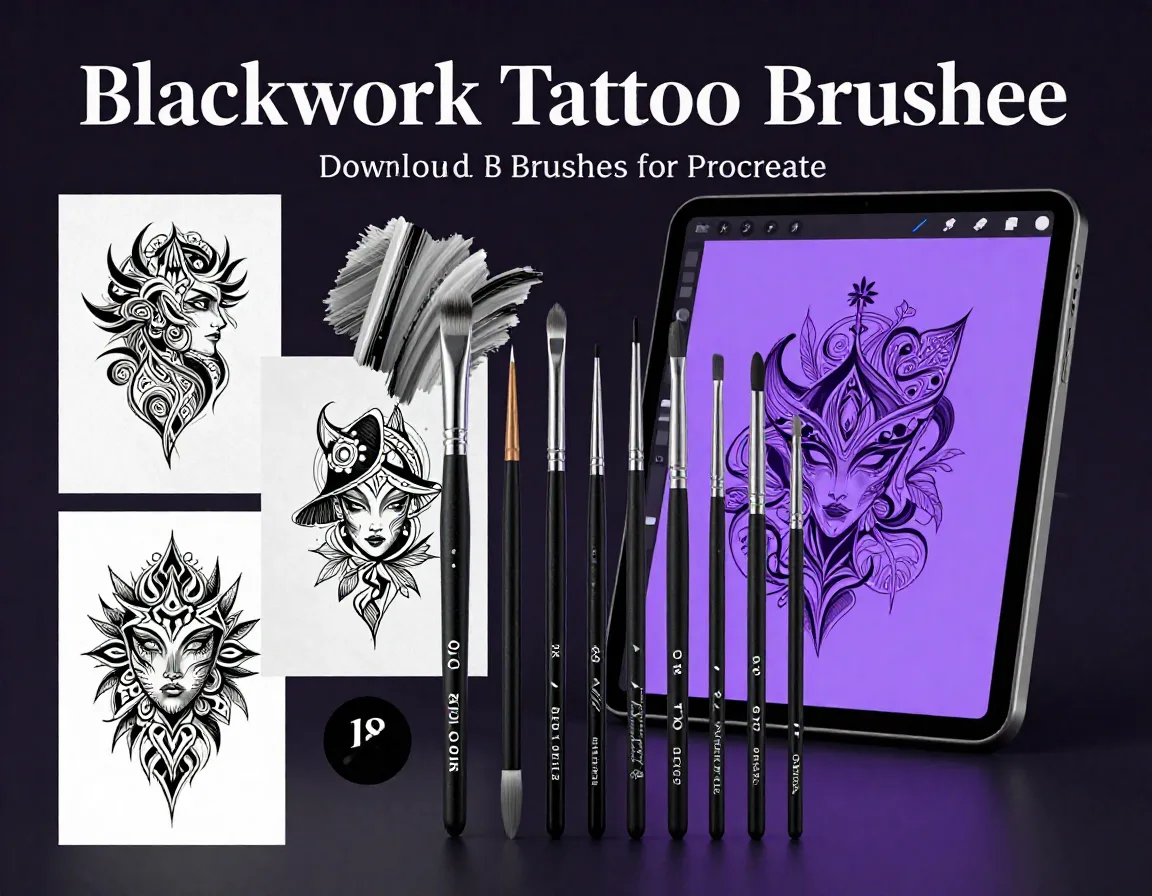
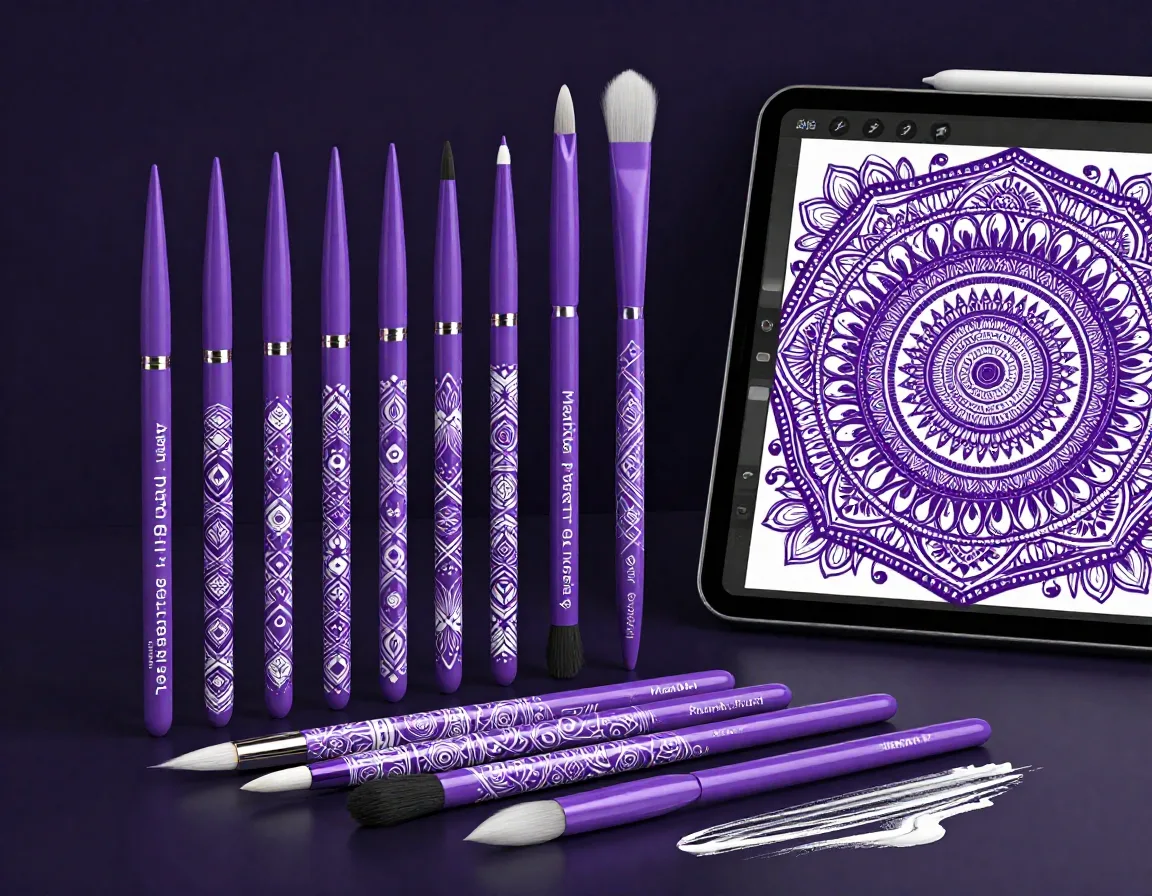
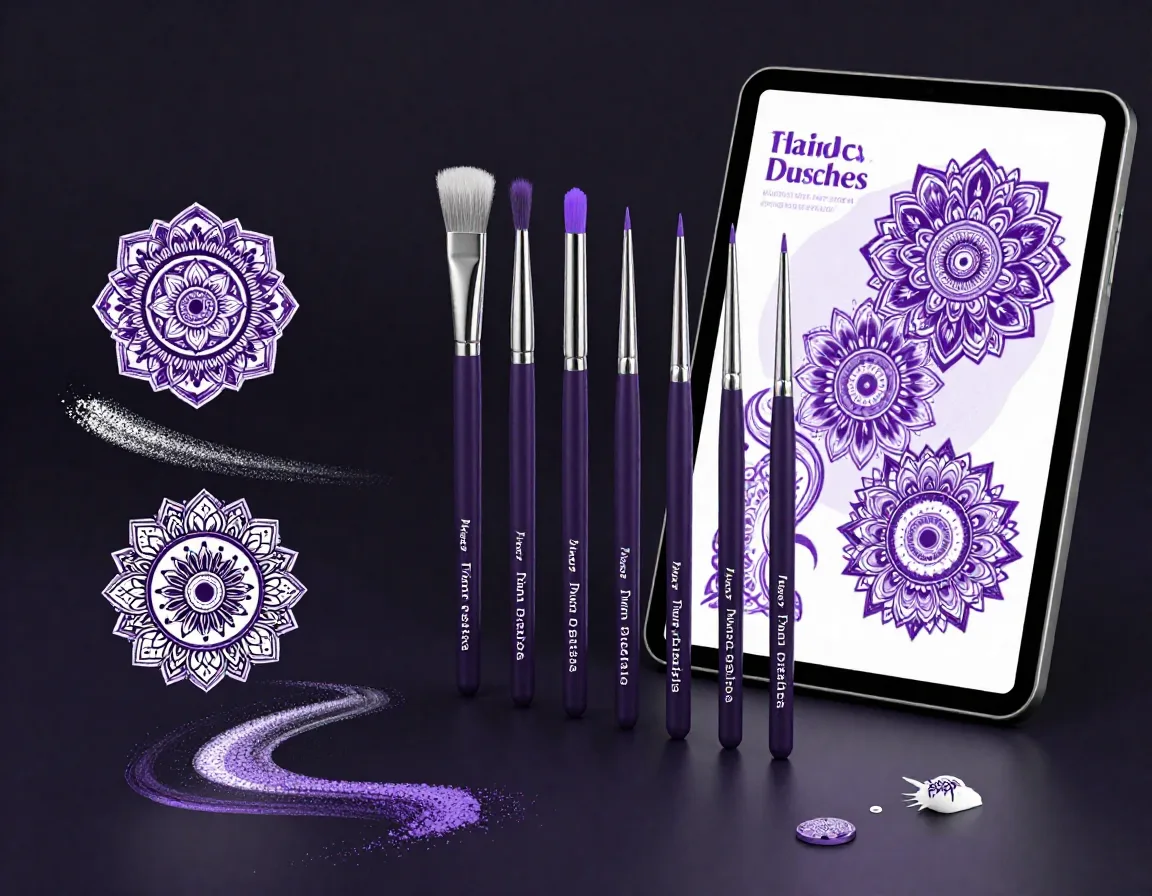
Unlock the power of flawless radial designs with the Mandala Symmetry Brush Set, specifically crafted for Procreate. Featuring 35 purpose-built brushes optimized to work seamlessly with Procreate's native symmetry tool, this collection empowers tattoo artists and digital illustrators to draw intricate, perfectly balanced mandalas with ease. Whether you're sketching out complex geometric patterns or delicate floral motifs, these brushes provide the precision and smooth flow you need to bring your creative vision to life in seconds.
Download on App StoreWhat's Included
- 35 professional Mandala Symmetry Brush Set in .brushset format
- 35 Custom Procreate Brushes (.brushset format)
- Precision Linework Brushes for intricate details
- Stippling and Whipshading Brushes for tattoo-style depth
- Bold Outlining Brushes for strong structural lines
- PDF Installation and Quick Start Guide
- Compatible with Procreate 5.3+ on iPad. Requires iOS 16 or later.
Perfect For
- Tattoo artists designing intricate, perfectly balanced mandala concepts
- Digital illustrators creating radial symmetry artwork and geometric patterns
- Artists designing custom adult coloring book pages
- Anyone looking to streamline their mandala drawing process in Procreate
How to Use
- Download the .brushset file directly to your iPad.
- Tap the file to automatically import the set of 35 brushes into your Procreate brush library.
- Open a new canvas, tap the Wrench icon (Actions) > Canvas > turn on 'Drawing Guide' > 'Edit Drawing Guide'.
- Select 'Symmetry', tap 'Options', choose 'Radial', turn on 'Assisted Drawing', hit 'Done', and start drawing your perfect mandala!
Download Now
Get 35+ Mandala Symmetry Brush Set and 500+ more brushes. Install directly to Procreate.
Download on App StoreFrequently Asked Questions
Do I need any special add-ons to use these brushes?
No special add-ons are required! These brushes are optimized to work beautifully with Procreate's built-in Drawing Guide and Radial Symmetry tools.
Are these brushes suitable for tattoo design?
Absolutely. This set is categorized specifically for tattoo artists and includes linework, stippling, and shading brushes that mimic real tattoo needles for authentic design creation.
Can I use these for commercial projects?
Yes, once purchased, you can use these brushes to create artwork for both personal and commercial projects, including tattoo commissions and digital prints.