 Procreate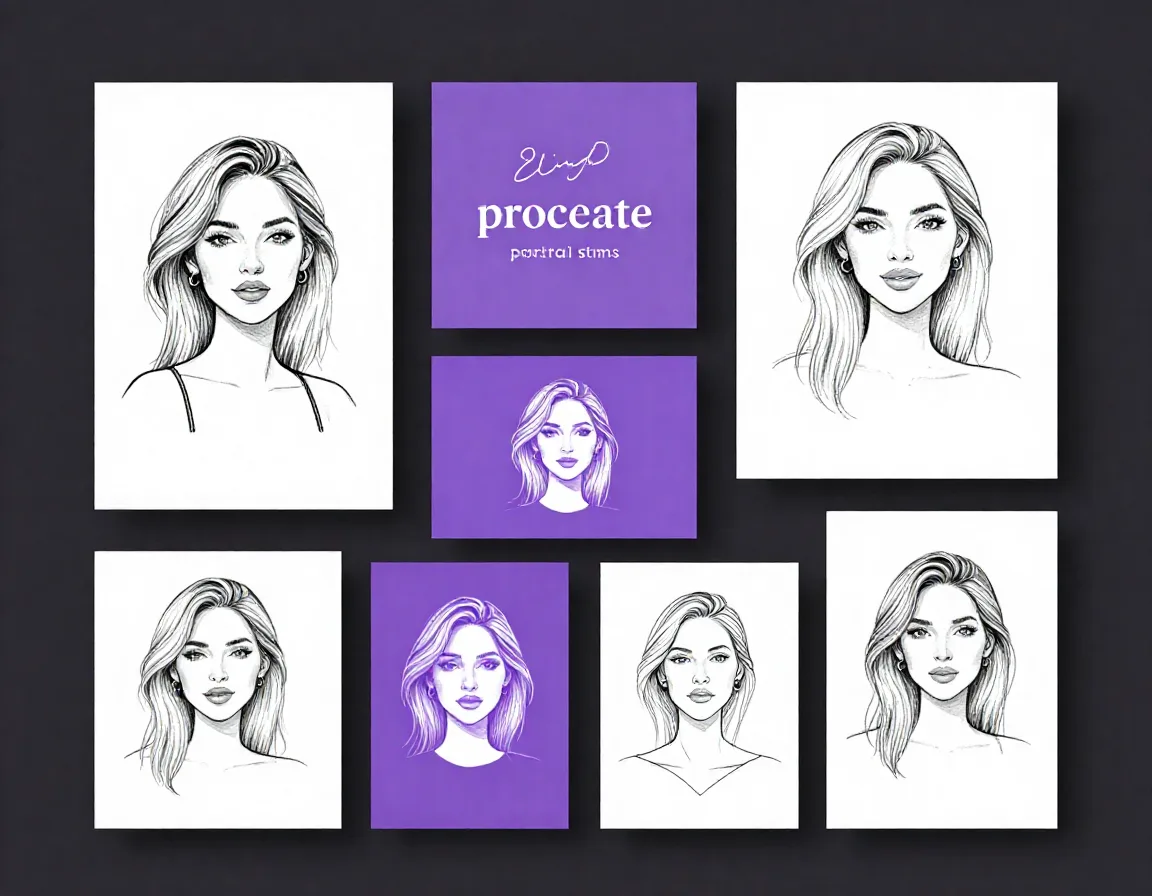
Woman Head Portrait Stamps for Procreate
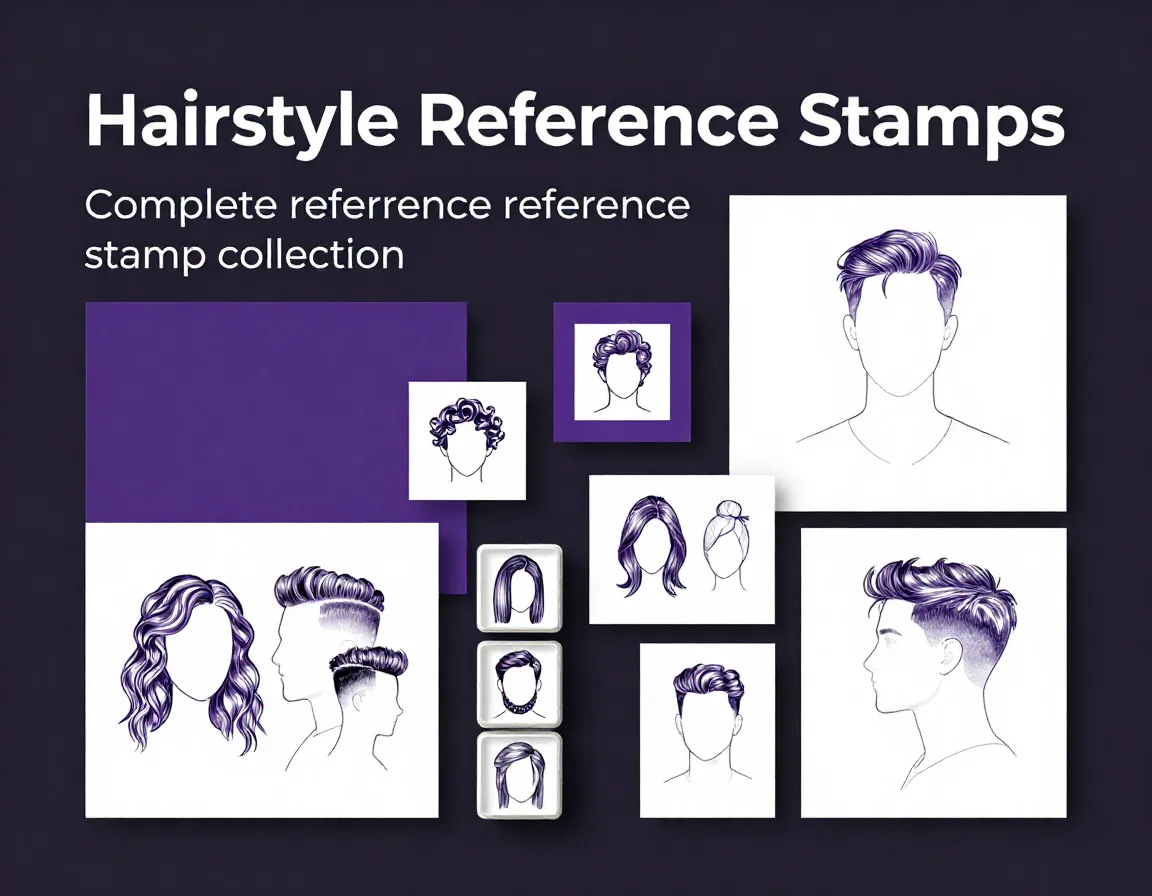
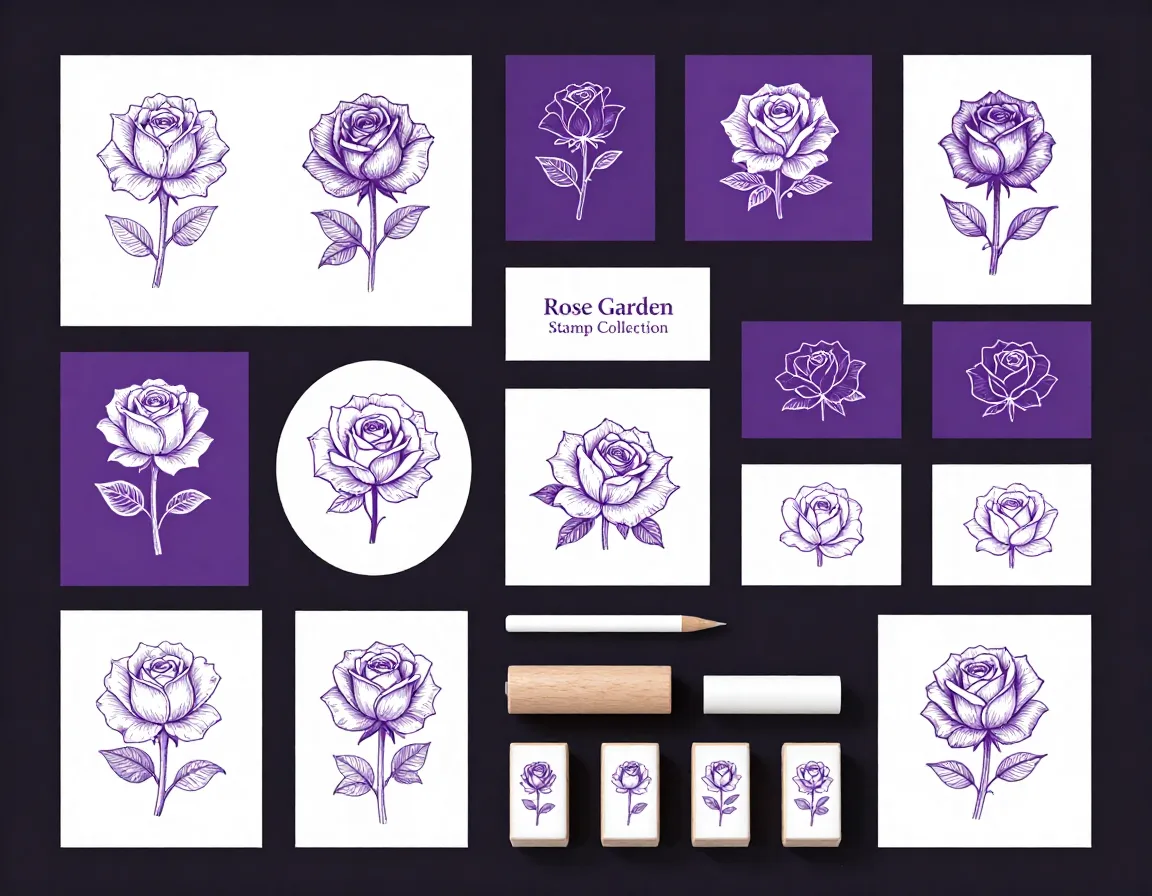
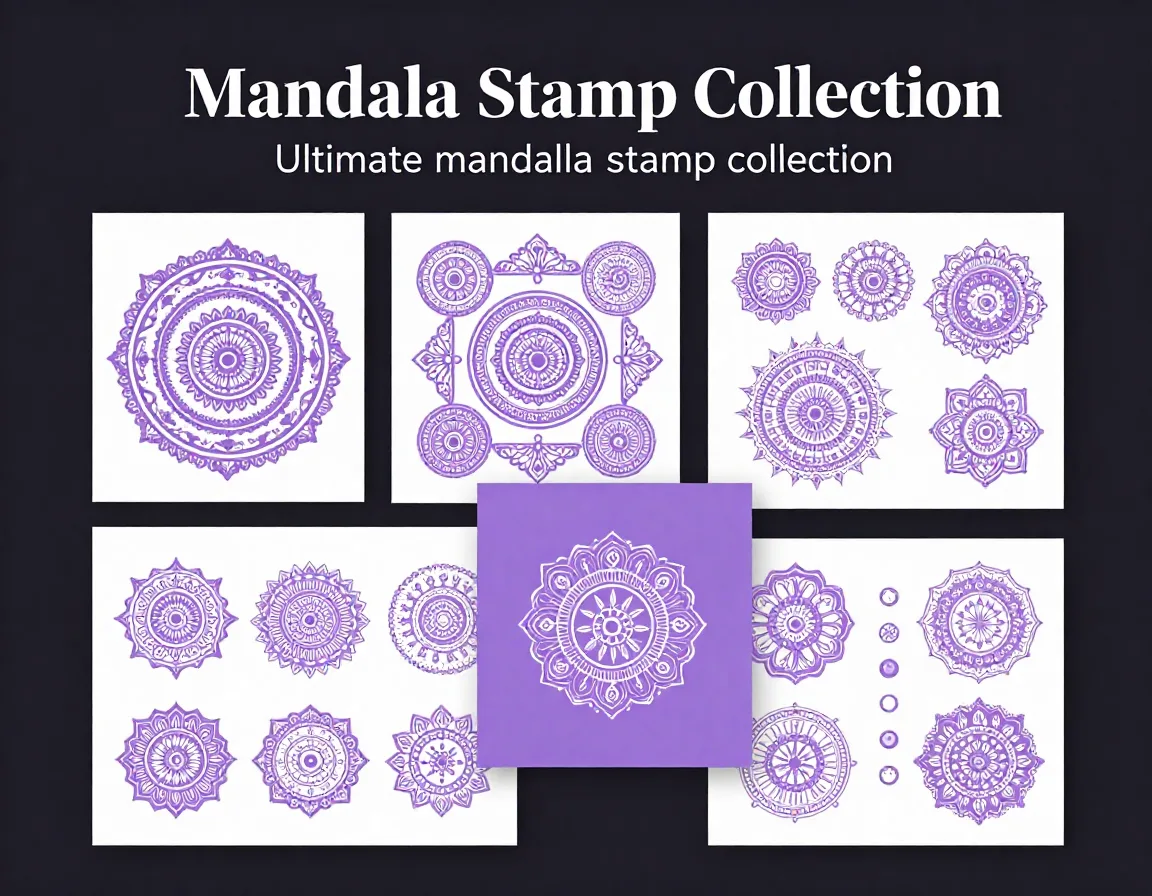
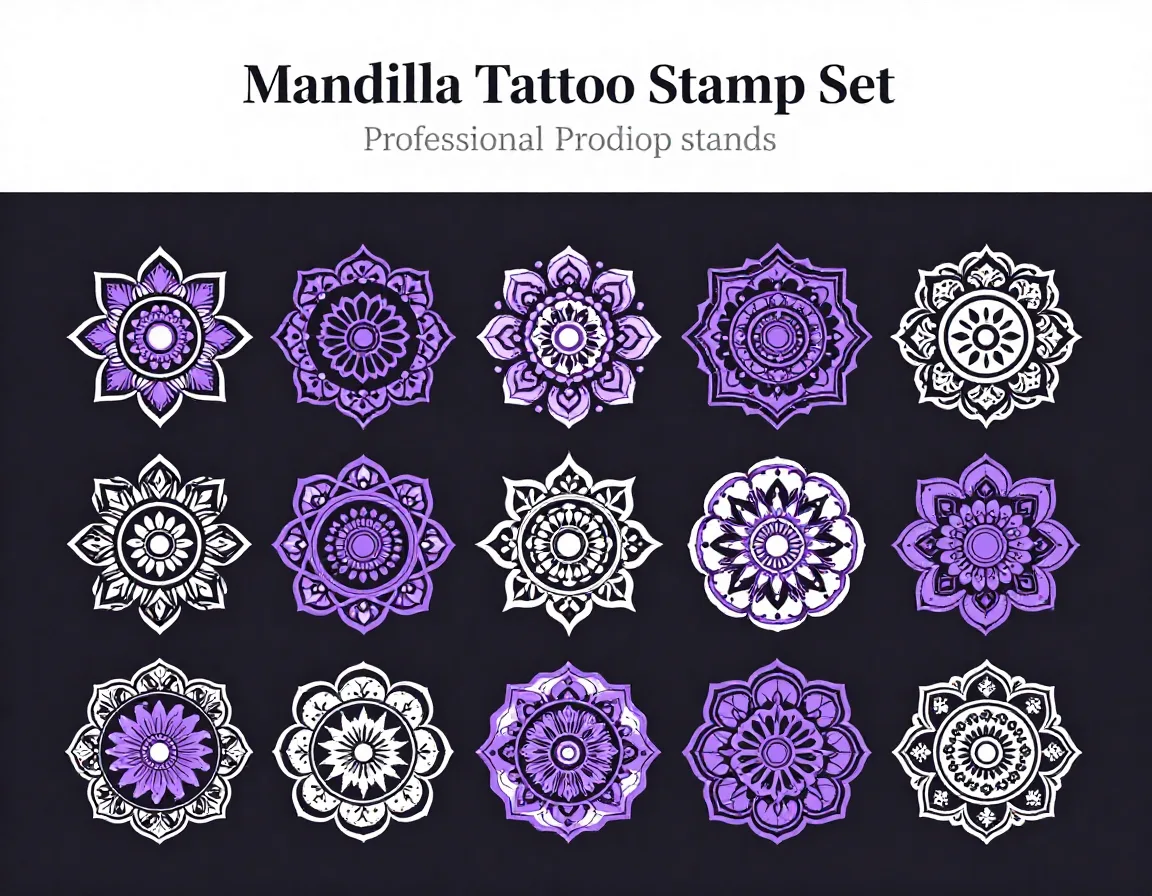
Streamline your drawing process with our collection of 60 elegant woman head and face outline stamps for Procreate. With a touch of vintage flair, these high-quality female portrait stamps provide the perfect foundation for your artwork. Whether you're practicing portraiture, designing tattoos, or illustrating detailed characters, these Procreate stamps offer versatile and beautifully crafted outlines to spark your creativity and save you time.
Download on App StoreWhat's Included
- 60 Woman Head Portrait Stamps in .brushset format
- 1 .brushset file containing all stamps
- 60 high-resolution woman head outline stamps
- Various angles and vintage-inspired profiles
- Detailed facial feature guidelines
- Instant digital download access
- Compatible with Procreate 5.3+ on iPad. Requires iOS 16 or later.
Perfect For
- Portrait drawing practice and anatomy studies
- Vintage-inspired character illustration
- Tattoo design and stencil creation
- Digital coloring pages and line art projects
How to Use
- Download the .brushset file to your iPad
- Tap the file to automatically import it into Procreate
- Open the Brush Library and locate the new 'Woman Head Stamps' set
- Select a stamp, adjust the size and opacity, and tap the canvas to place your outline
Download Now
Get 60+ Woman Head Portrait Stamps and 500+ more stamps. Install directly to Procreate.
Download on App StoreFrequently Asked Questions
Can I use these stamps for commercial projects?
Yes, you can use these stamps as a base for your commercial artwork, such as finished illustrations or tattoo designs. However, you cannot resell or redistribute the original stamp files.
Do these stamps work with Procreate Pocket on iPhone?
While .brushset files can often be imported into Procreate Pocket, these stamps are optimized for the iPad version of Procreate for the best resolution and user experience.
How do I resize the stamps without losing quality?
The stamps are created at a high resolution. Simply adjust the brush size slider in the Procreate sidebar before tapping the canvas to ensure crisp, clean lines at any size.